PDF guides for Mac, iPhone, and iPad
Practical walk-throughs for everyday PDF jobs, each done start to finish in Sheafly with real sample documents. Every screenshot is the actual app: Sheafly 2.1 on a Mac, an iPhone, and an iPad. Every result shown was rendered from the file it saved. Everything happens on your device. Nothing is uploaded.
-
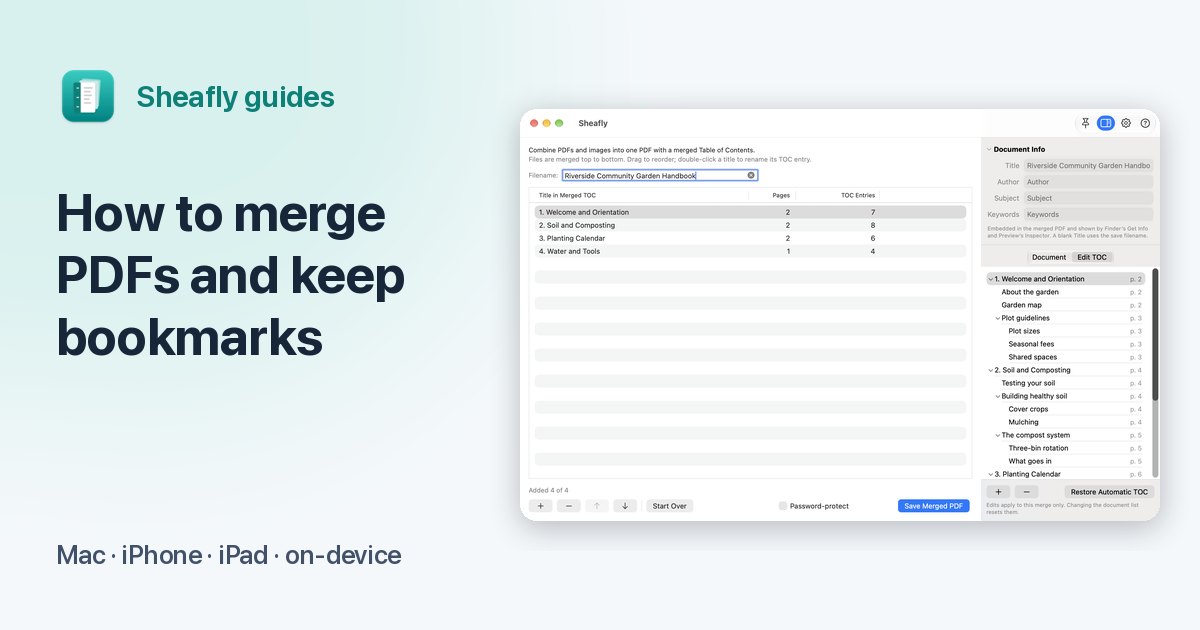 How to merge PDFs and keep their bookmarks
Combine chapter files into one PDF with every bookmark still linked to the right page.
How to merge PDFs and keep their bookmarks
Combine chapter files into one PDF with every bookmark still linked to the right page.
-
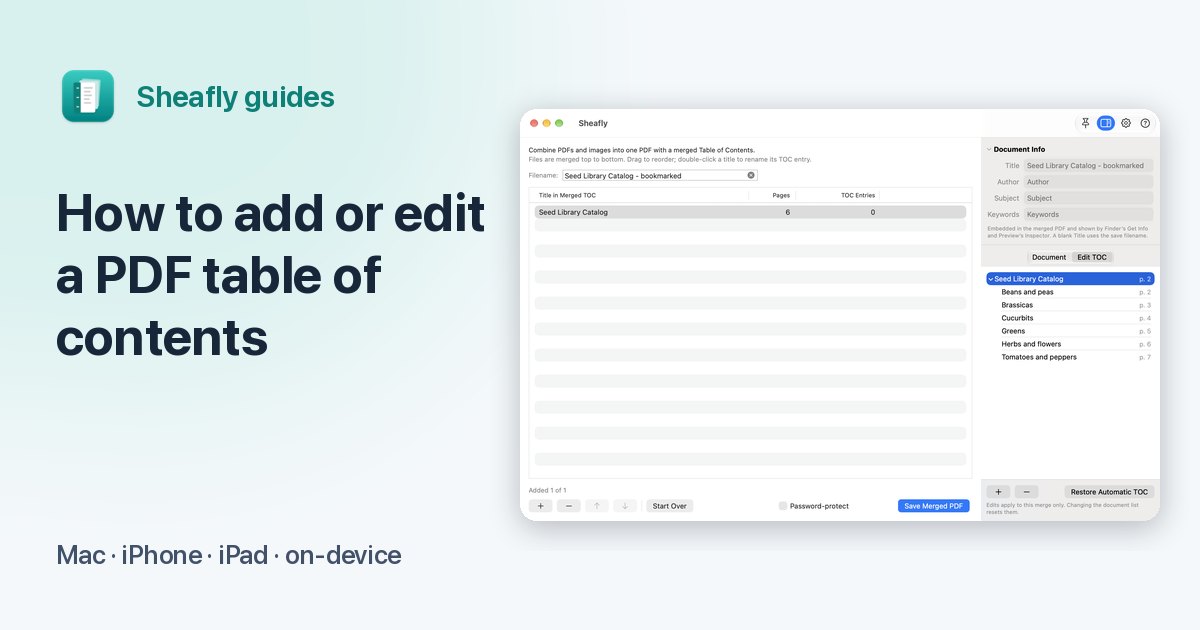 How to add or edit a PDF’s table of contents
Add, rename, indent and remove bookmarks, and print a linked contents page.
How to add or edit a PDF’s table of contents
Add, rename, indent and remove bookmarks, and print a linked contents page.
-
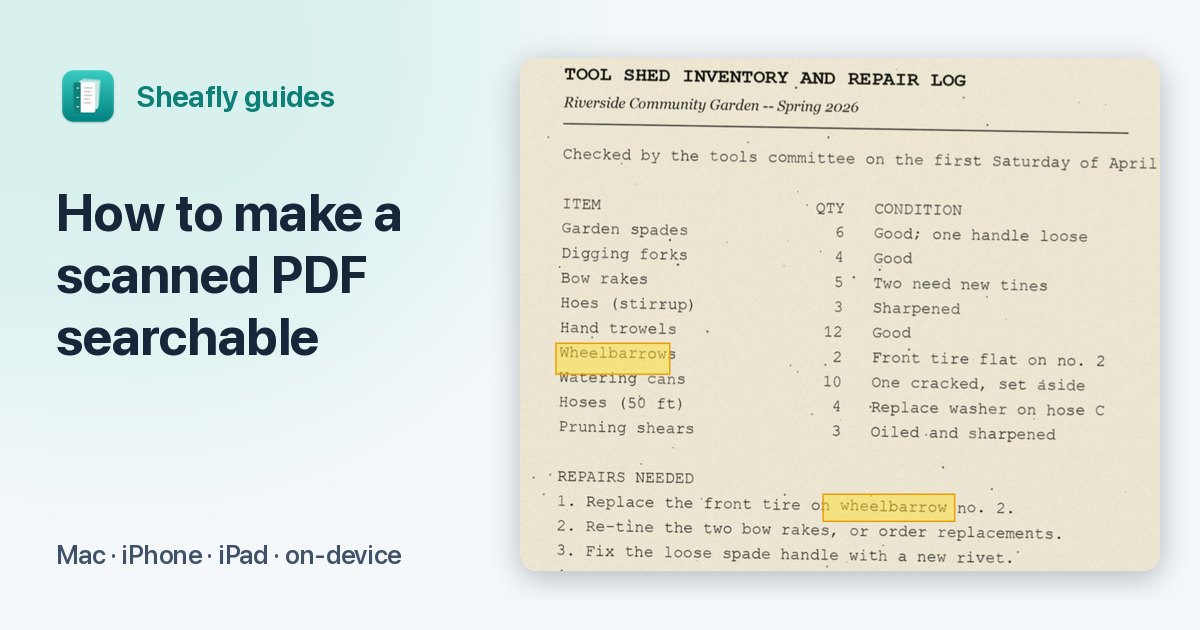 How to make a scanned PDF searchable without uploading it
On-device OCR adds invisible, searchable text to image-only scans.
How to make a scanned PDF searchable without uploading it
On-device OCR adds invisible, searchable text to image-only scans.
-
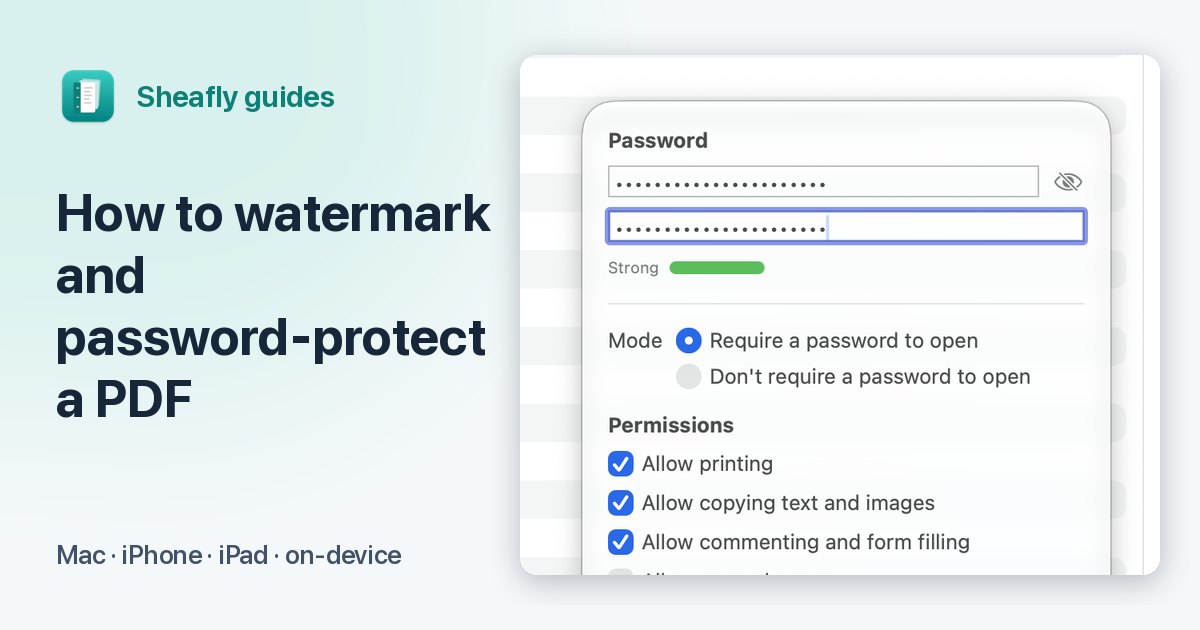 How to watermark and password-protect a PDF
Stamp Draft or Confidential on every page, then encrypt and restrict the file.
How to watermark and password-protect a PDF
Stamp Draft or Confidential on every page, then encrypt and restrict the file.
-
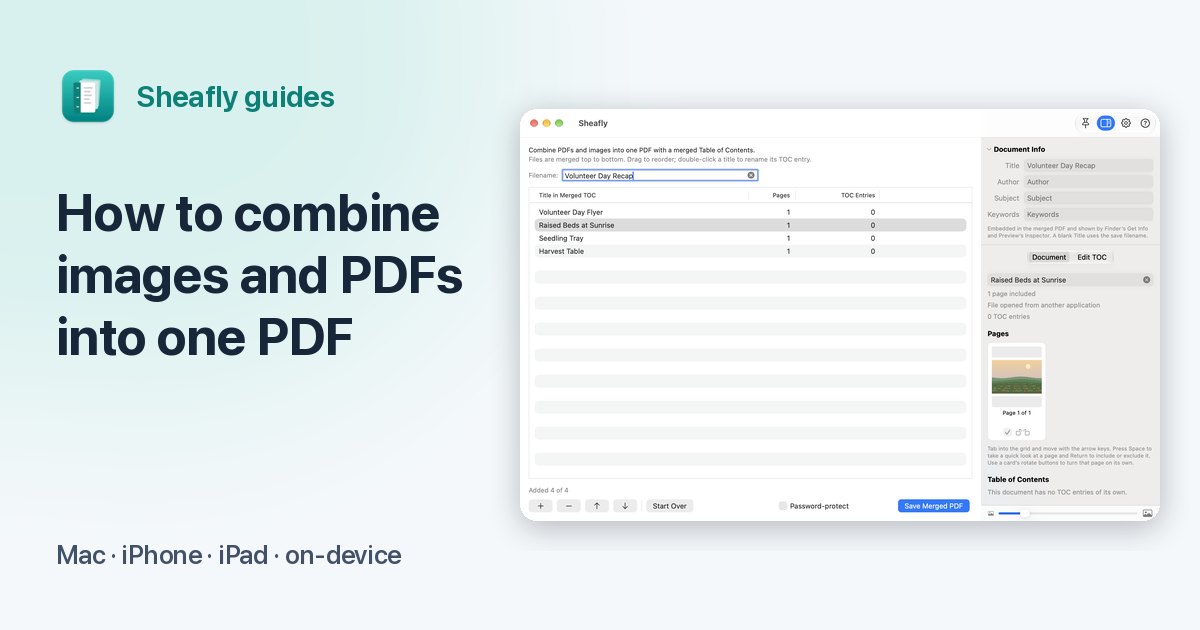 How to combine images and PDFs into one PDF, with page numbers
Photos, screenshots and PDFs in one file, in your order, numbered continuously.
How to combine images and PDFs into one PDF, with page numbers
Photos, screenshots and PDFs in one file, in your order, numbered continuously.

One app for all five
Sheafly is a one-time purchase on the App Store, and one purchase covers Mac, iPhone, and iPad. No subscription, no account, and your documents never leave your device.

Requires macOS 14 or later, or iOS/iPadOS 17 or later.